



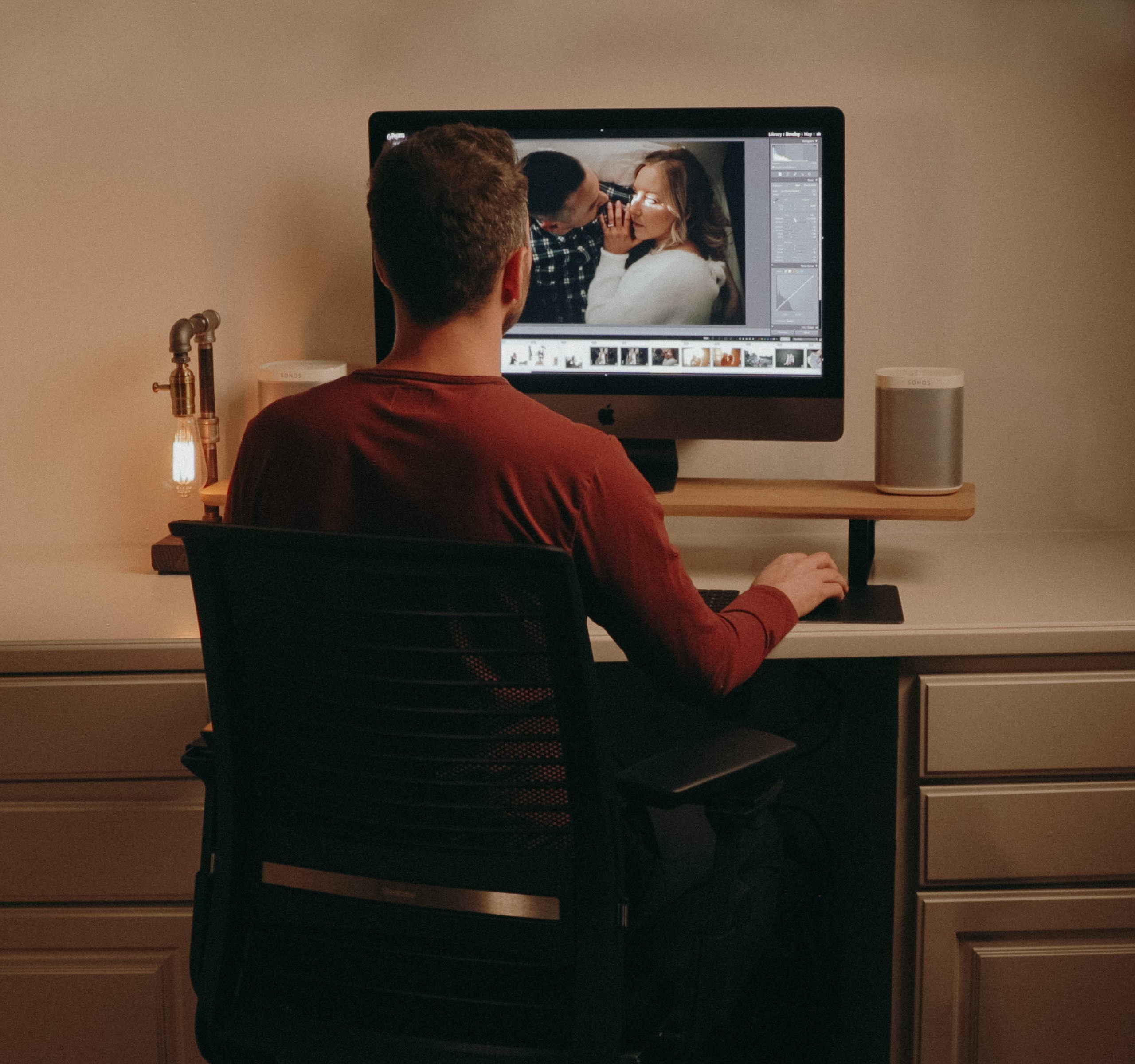
Learn To Edit
Like A Pro
The Edit by Greg Petersen, creator of G-Presets, is unlike any
photography education resource yet. Through 8 in-depth modules, Greg
explains and demonstrates how to use various Lightroom tools to achieve
the edits most photographers struggle to achieve on their own.
Throughout this course, you will journey through topics like: The
Tone Curve, Correcting Contrast and Color, AI Masking, Skin Retouching,
Removing Distracting Items, Tweaking Presets, Lens Corrections and
Chromatic Aberration, and so much more.
For the first time ever, Greg is taking what he’s learned as a
photographer and highly sought after editor, and passing it on to you in
a hands-on way. He doesn’t shy away from peeling back the curtain on
some of his best hacks, shortcuts, and tips that have never been shared
before. As a bonus, all course students will receive access to an
exclusive preset pack available upon purchase of The Edit.

TRANSFORM YOUR PROCESS. UP LEVEL YOUR TECHNIQUES. LEARN LIGHTROOM SHORTCUTS. ACHIEVE YOUR DREAM EDITS
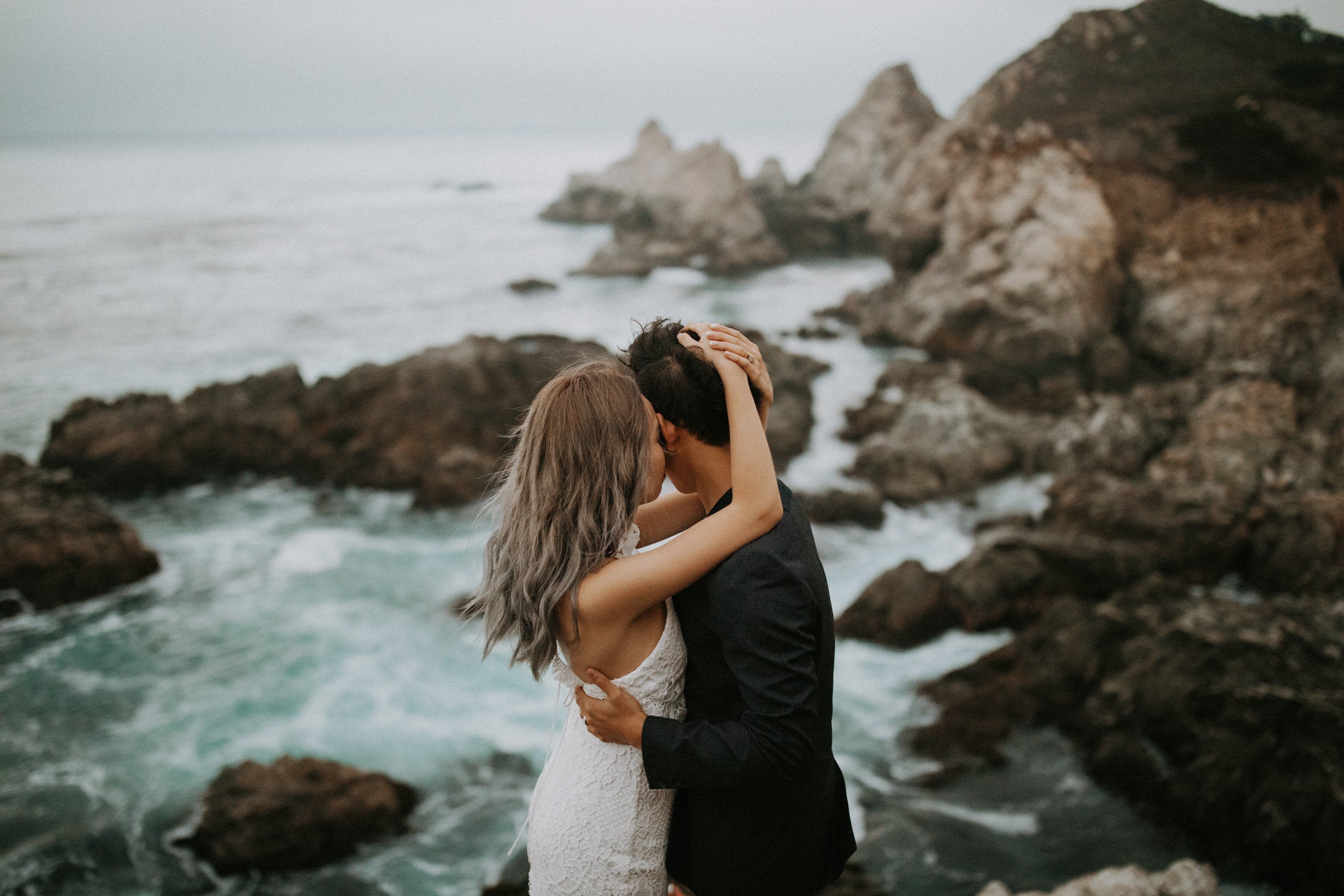
AN IN-DEPTH COURSE CREATED TO TEACH PHOTOGRAPHERS AT ALL LEVELS HOW TO ELEVATE THEIR IMAGERY AND GAIN CONFIDENCE IN THEIR CRAFT.
What's Greg's Goal In This Course?
To leave students mind-blown at their abilities to navigate Lightroom
and edit images with confidence and ease. As an added bonus, you’ll also
receive access to an exclusive preset pack designed specifically for
the students in this course.
This course is not only an opportunity to master editing your galleries,
but it’s an opportunity to elevate your business like you haven’t been
able to before. Editing is a key component to growing a photography
business, so this course serves as an asset to elevate both your imagery
and your business. The skills you are about to learn will set you apart
in the industry like never before. Without further ado, here it is —
The Edit.
This course will take your editing skills and business to new heights.
Let’s get started, what do you say?
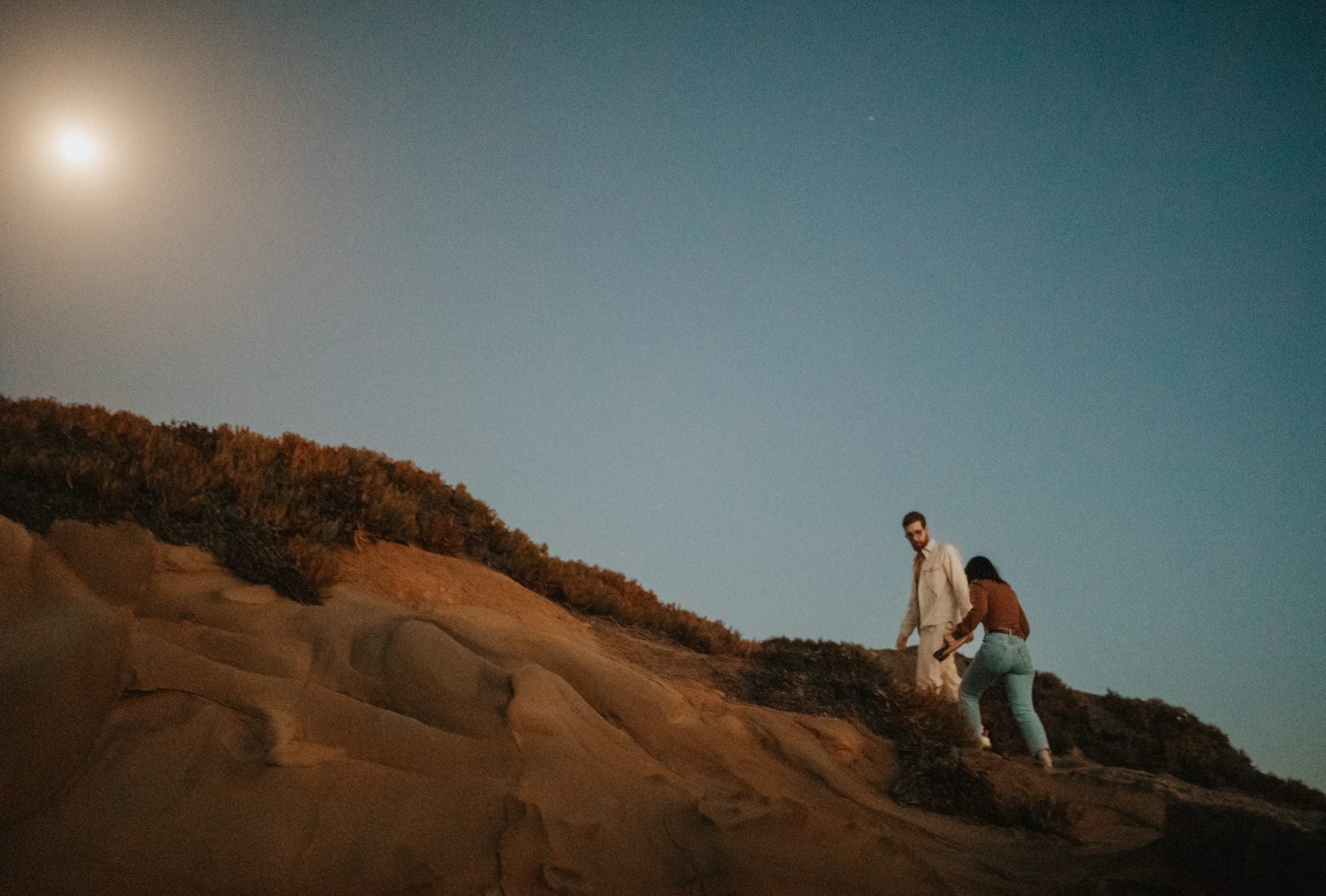
The Editing Cave

What Materials Does The Course Cover?
The Edit teaches the basics AND BEYOND – Greg is not shying away from
revealing some of his never-before-told secrets and walking through
complex editing tools in a way you can easily understand and integrate
into your process.
Each module in The Edit is a tutorial, not a voiceover or a
face-to-cam, but a practical experience as if you were sitting right
beside Greg while he edits a gallery.
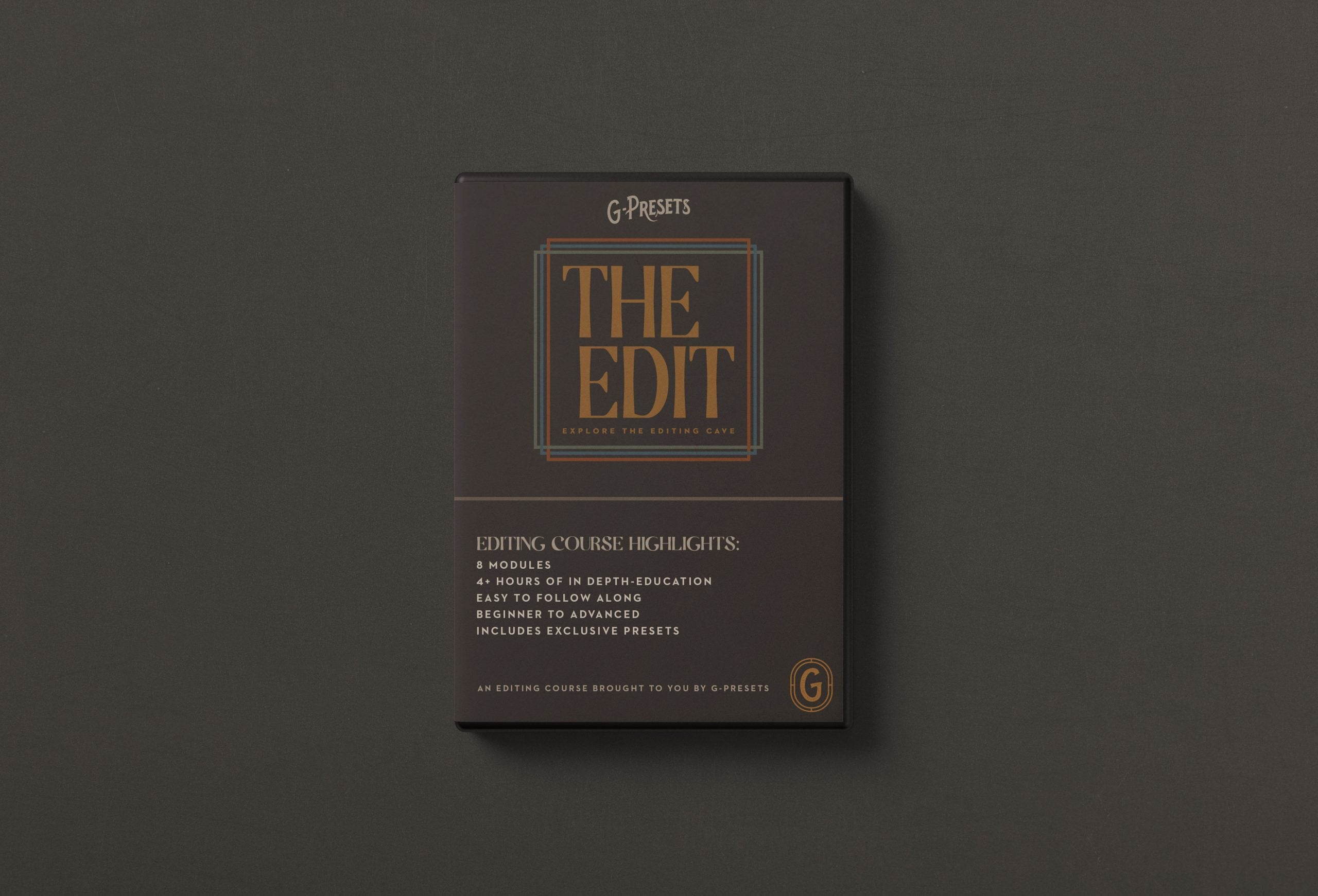
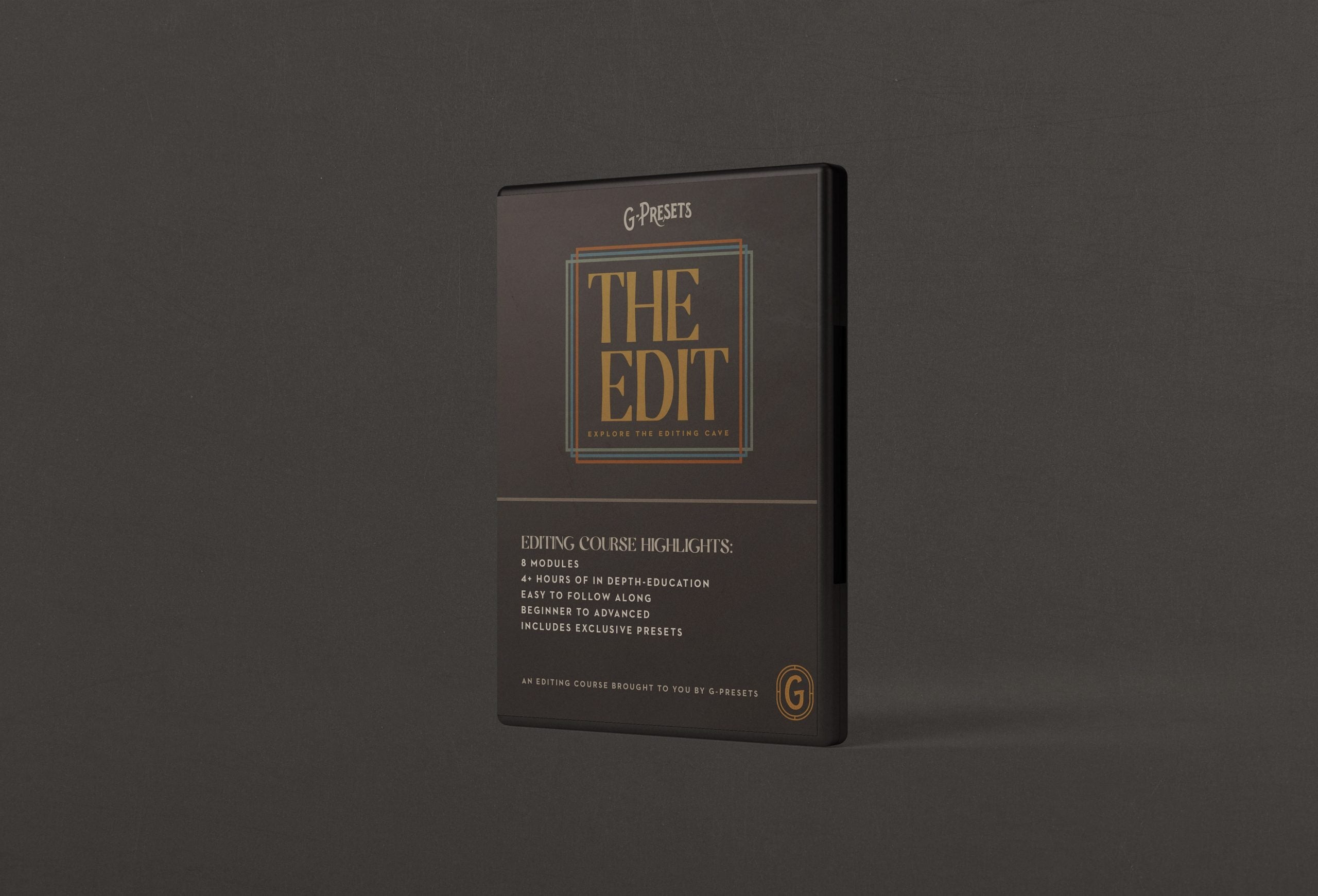
The Edit is broken down into 8 modules that add up to a total of 30
lessons and 4+ hours of education. Here’s the blueprint of the modules
included:
- The Intro
- The Speed
- The Basics
- The Tone Curve
- The Colors
- The Details
- The Light
- The Re-Touching
+ Bonus Module Videos
+ Exclusive Preset Pack
Wondering If This Course Is The Right Fit For You?
Whether you're a beginner or an experienced photographer, The Edit provides comprehensive editing knowledge that will bring your work to the next level. Greg shares shortcuts, hacks, and many never-before-shared secrets that no other educators are teaching. If you're looking to elevate your photography skills and craft captivating visual narratives, The Edit has your name written all over it.
The Edit covers the use of Adobe Lightroom Classic (version 12 or later) in extreme detail. The course teaches various Lightroom tools and techniques to achieve the edits most wedding photographers struggle to create on their own, including tone curve, correcting contrast and color, masking, skin retouching, removing distracting items, tweaking presets, lens corrections, removing chromatic aberration, and much more. If you're looking to use Lightroom to its fullest potential, The Edit is the perfect course for you.
Feeling Lost in The Editing Cave?
Do you ever feel lost or uncertain when you open Lightroom? Are you
struggling to achieve the exact look you want in your photos? The Edit
is designed to help you overcome these challenges and feel comfortable
in Lightroom like never before. Through 8 In-Depth Modules, you’ll learn
the most important Lightroom settings and techniques to make
adjustments and refinements with ease, like a true pro. Whether you’re a
beginner or an experienced photographer, The Edit is the ultimate guide
to unlocking your potential and achieving stunning results.

You’ll walk away with confidence in…
- Lightroom shortcut keys and import/export settings.
- The Basic panel, cropping, lens corrections, and general practices for tweaking presets.
- The Tone Curve and correcting contrast/color.
- Editing through all lighting scenarios.
- The HSL panel, Calibration panel, and skin tone editing.
- Local adjustment presets, masking, and AI masking.
- Skin retouching and removing distracting items.
Fast facts about The Edit
Transform your process – Up level your techniques – Achieve your dream edits


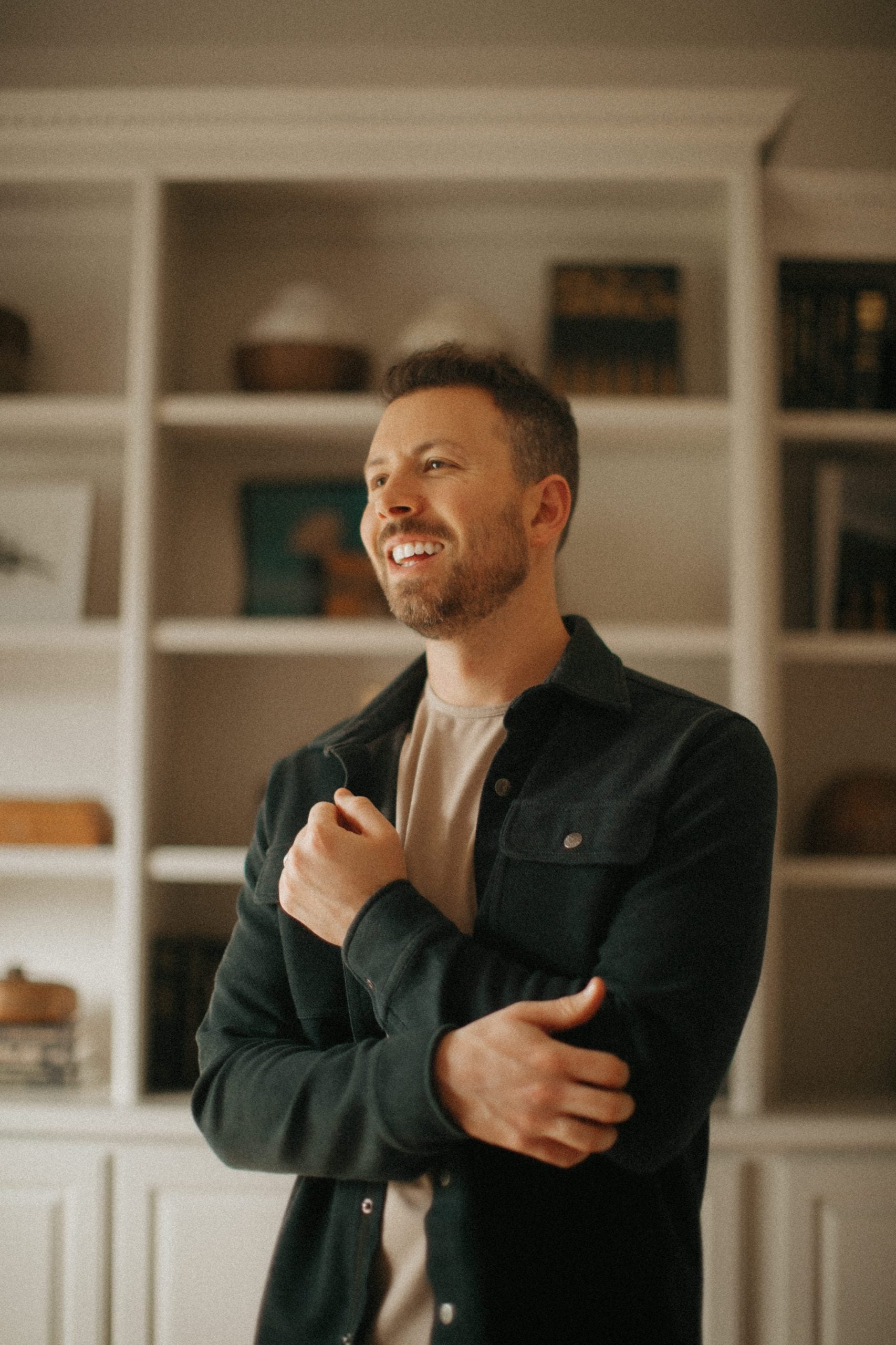
Meet Your Guide, Greg Petersen
Meet Greg Petersen, a highly sought-after wedding photographer and
editor with over a decade of experience in the industry. Greg is the
creator of G-PRESETS, a popular collection of Lightroom presets used by
photographers worldwide. Through his incredible work and expertise in
the photography industry, he has established himself as a guru in
Lightroom editing, helping tens of thousands of photographers achieve
their desired look in their images.
From the very beginning, the editing process has been part sacred and
part magic for Greg, holding a special place in his heart. He spent
countless hours creating and refining his unique approach to developing
presets that complemented every engagement and wedding shoot he
captured. His dedication led to long nights that turned into months as
he perfected his craft. Now, his process has become a cornerstone of his
work, and he is excited to share his insights and techniques with a
broader audience through The Edit. The course offers a comprehensive
guide to Lightroom editing for photographers at all levels of
experience. Greg’s goal through it all? To leave students mind blown at
their editing abilities through techniques, shortcuts, and tips to
elevate your work.
You can trust that you'll be learning from an expert in the industry
Exclusive Presets
12 color presets, 15 AI Mask presets, 5 Effects presets. *only available with the purchase of the course.
Before
After


Before
After


Before
After


Before
After


Before
After


Before
After


Before
After


Before
After


Before
After


Before
After


Your Investment
What Kind of Payment Plan Do You Offer?
We offer two payment options. You can purchase the course in full for $599, or split it into three monthly payments of $220.
I have been in business for 7 years, and I went to college for photography. I have already learned more from this course than my college education, several years of trial and error, and YouTube university has ever taught me. I love how you always make virtual copies to show the effects of everything you are doing. It is so helpful! My only teeny complaint is that sometimes you go a little fast, but other than that you are extremely detailed and I really appreciate that!
Ok so here’s the deal. I thought I knew Lightroom… until I started this course. Even the little things Greg does while teaching blow my mind! This is the kind of course you can go back to time and time again, whenever you need a refresh in a certain area. I am so excited to start implementing my knowledge into my galleries!! THANK YOU GREG!
Okay wow... I thought I had a good idea of my editing UNTIL THIS COURSE 🤯 I’m always blown away by Greg and his knowledge and talent at his craft, and it definitely shows in this course! 10 years in the industry and I’m learning new editing tricks I’ve never known!!!
I haven’t even gotten through it fully yet and this course is already insane. Greg is truly the mastermind of Lightroom (and all things editing). Working with him the last few years creating my presets has been such a treat but having it all laid out here in a course is invaluable! He goes over SO much & I am so excited to continue to learn from him. Genuinely, there is no one else I would go to for Lightroom knowledge. He does things in such a quick, yet efficient way and teaches all of that in this course. My biggest struggle has always been the tone curve so to watch him go through it in such an easy to learn way is truly going to change my editing game! If you’re even entertaining the thought of getting this, then send it. You won’t regret it one bit!
I have purchased so many presets in the past, but never found one that made my images look how I wanted them to feel. This led to many inconsistencies in my editing style and left me feeling very confused, frustrated, and out more money. I decided to hire a photography mentor who introduced me to G-Presets and it absolutely has changed my business! I finally feel like I have the desired look that I have tried so hard to create on my own. These presets are incredible. I have used them in the red rock areas of the country, the wheat fields of the midwest, and the luscious tree filled mountainous areas and have had consistent results. I can’t thank Greg enough for putting these together. It can be hard to share your craft with others. I loved them so much that when he came out with The Edit course, I knew I needed to take my game one step further and learn from the best. I am about halfway through the course and I am so glad I purchased it. I am learning so many different tweaks that I had no idea about. I cannot wait to see how my images turn out after I complete this course to it’s entirety.
There are tons of shortcuts and tricks most people never think of using that can speed up your workflow tremendously. It is SO helpful, whether you’re a beginner or pro at editing. There’s always something new to learn.
